How to Use Coupons Without Being a Crazy Couponer
How to Use Coupons Without Being a Crazy Couponer

Photo by Gustavo Fring on Pexels
If the word "couponing" makes you picture someone wheeling out 47 boxes of cereal at 2 a.m. with a color-coded binder — yeah, that's not what we're doing here. The truth is, beginners who spend just 10–15 minutes a week on coupons still save an average of $7 a week on groceries alone. That's $50+ a month, basically for free.
This guide is for the rest of us — people who want to save real money without turning couponing into a part-time job.
Why Most People Give Up on Coupons
Here's the problem: most couponing advice is written for extreme couponers. They tell you to stack seven offers, shop at three stores, and submit rebates before midnight. Naturally, normal people try it for one week, get confused, and quit.
From what I can see, the couponers who actually stick with it are the ones who keep it simple. One store, one or two apps, one 15-minute session per week. That's the whole system.
Step 1: Start With Your Grocery Store's App
Before you download anything else, open the app for the grocery store you already shop at. Kroger, Safeway, Target, Publix, Walmart — they all have digital coupon programs now, and they're completely free to use.
Here's how it works: you browse the digital coupons in the app, tap "clip" on the ones that match what you're already buying, and the discount comes off automatically when you scan your loyalty card at checkout. Zero paper. Zero awkward moments at the register.
The key word there is "already buying." Clipping a coupon for three tubes of pickle-flavored ranch dip because it's 50 cents off is not saving money — that's spending money. Stick to items on your regular list.
Step 2: Add One Cashback App (Just One)
Now add a single rebate app on top of your store app. The two best options for beginners are Ibotta and Fetch Rewards — and they work very differently.
| App | How it works | Best for |
|---|---|---|
| Ibotta | Activate offers before shopping, scan receipt after | Brand-name groceries, higher per-item savings |
| Fetch Rewards | Scan ANY receipt, no offer selection needed | Beginners who want zero friction |
If you're brand new to this, start with Fetch. You literally just take a photo of your grocery receipt and earn points — no pre-selecting anything. Less money per receipt, but also less chance of making a mistake or forgetting to add an offer. Ibotta pays more but requires a little more attention.
Ibotta's average annual earnings figure for frequent users is around $261 a year — roughly $22 a month — just from grocery rebates. Not life-changing, but not nothing either.
If you want a full breakdown of the best grocery apps, we did a deep dive in our guide to the best grocery store apps that actually save you money.
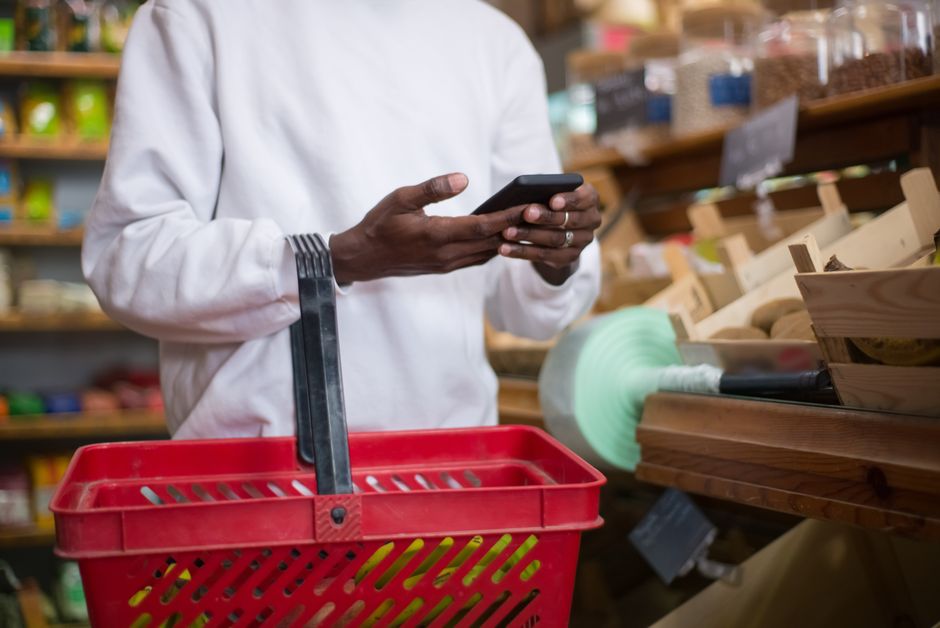
Photo by Kampus Production on Pexels
Step 3: For Online Shopping, Install a Browser Extension
If you ever buy anything online — clothes, household stuff, anything — install either Honey (now PayPal Honey) or Rakuten as a browser extension. These run in the background and do the work for you.
Honey automatically tests every available coupon code at checkout and applies the best one. Rakuten gives you a percentage of cash back at over 3,500 stores — anywhere from 1% to 10% depending on the retailer. You can even use both on the same purchase (activate Rakuten last so it gets credit for the sale).
The setup takes about five minutes total. After that, the savings happen automatically — you don't have to think about it.
The 15-Minute Weekly Couponing Routine
Here's the whole system, laid out as a simple weekly routine:
- Monday (5 min): Open your grocery store app. Browse digital coupons. Clip anything that matches your shopping list for the week. Done.
- Shopping day (2 min): If using Ibotta, scroll through offers quickly and add any that match your cart. Shop normally. Scan your receipt when you get home.
- Online purchases (0 min extra): Your browser extensions are already installed. They pop up automatically. Just click "apply" when Honey finds a code or Rakuten activates cashback.
That's genuinely it. No binder. No spreadsheet. No coupon inserts from the Sunday paper. Just a few apps doing quiet work in the background while you shop the way you already shop.
The One Rule That Makes Coupons Worth It
Here's the trap that trips up most beginners: buying things you don't need just because there's a coupon for them. Studies show that 67% of shoppers have made an unplanned purchase solely because they found a coupon. That's not saving — that's spending with extra steps.
The rule is simple: coupons only count when they match something already on your list. If it's not on your list, the coupon is not a deal — it's a trap wearing a discount sticker.
I know this sounds obvious, but I'm guilty of it too. That 3-for-$5 yogurt deal looks compelling until you realize you're not a yogurt person and two of them are going to expire in the fridge. The 15-minute routine only works when you start with your list, not with the app's deals page.
This same principle applies to grocery shopping in general — if you want to go deeper, check out our strategies for how to save money on groceries without coupons, which covers the non-coupon side of cutting your grocery bill.
What About Extreme Couponing — Is It Worth It?
For the record: extreme couponing is real and it works. Committed couponers who spend several hours a week on it can save $200–$400 a month. The ceiling is genuinely high.
But here's the honest math: you're trading time for savings. A few hours a week at $200/month saved is roughly $25/hour — not bad, but also not nothing. If your time is worth more than that to you, the minimalist approach gives you most of the benefit with about 5% of the effort.
The other thing worth noting: about 93% of all coupon redemptions now happen via smartphone. Paper coupons, coupon binders, newspaper inserts — they're almost obsolete. The game is fully digital, which means it's faster and simpler than it used to be. You don't need a binder anymore.
And if saving money on groceries is a priority, you might also want to look at our best money-saving apps in 2026 — a few of them work perfectly alongside the coupon routine above.
Start Small, Keep It Simple
You don't need to be a coupon fanatic to save real money. You just need a grocery store app, one rebate app, and a browser extension installed once. From there, 15 minutes a week is all it takes.
$50 a month might not sound like a lot. But that's $600 a year — from habits that take less time than watching a TV episode. The binder-toting extreme couponer isn't the goal here. Quietly putting money back in your pocket with zero drama is.
And honestly, the best coupon of all is the one that works while you're not even thinking about it.
Written by David Carter | savemoneysimple.com
Enjoyed this article?
Get practical money-saving tips delivered to your inbox — no spam, no fluff.


Comments
Post a Comment